VPN Not Working on Phone: Causes — R-VPN
Why a VPN won't work on an Android phone. Possible causes
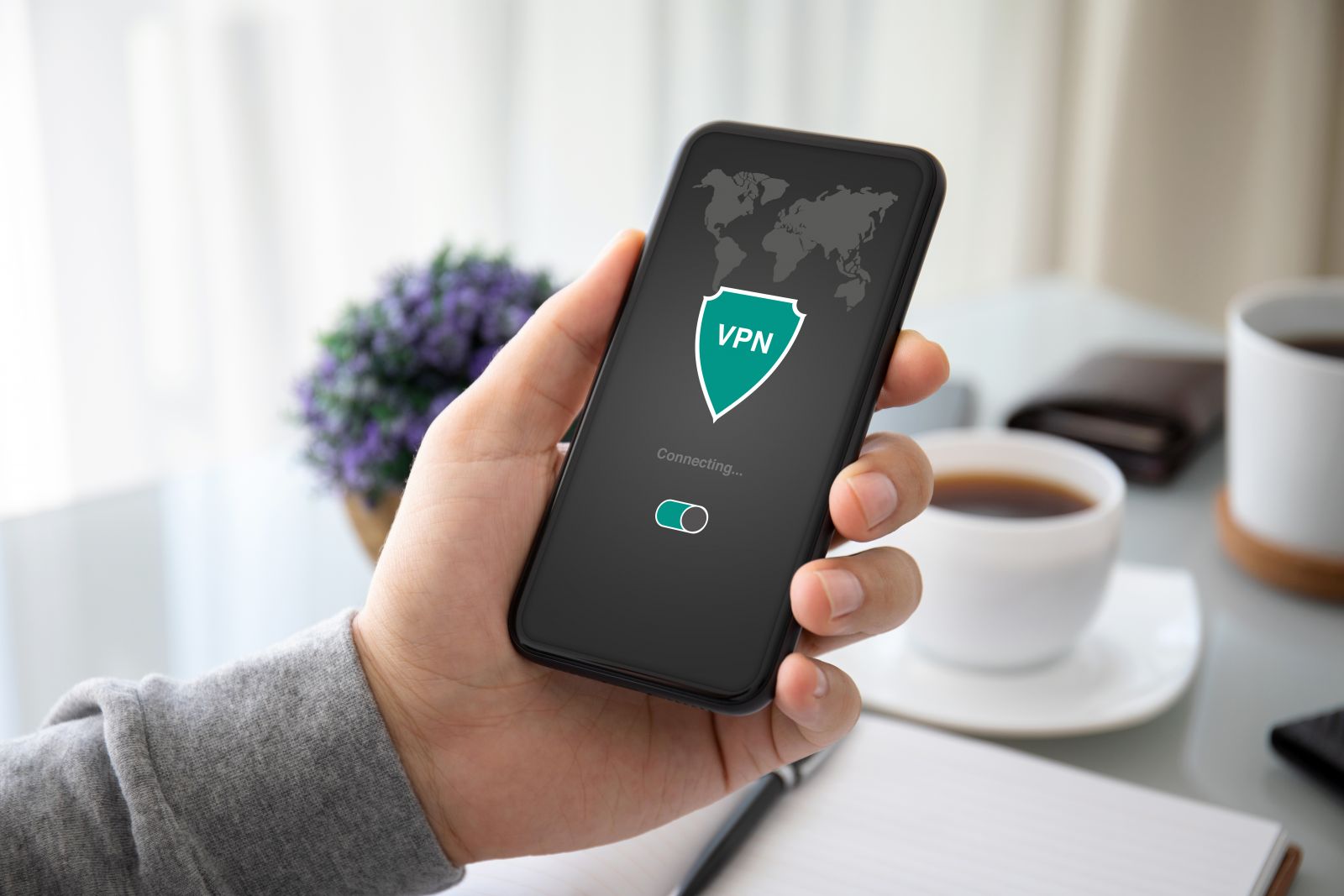
A VPN is an essential tool for staying safe and private online. However, you may sometimes run into problems with it on a phone running the Android operating system. Below we look at the possible causes of such problems and the ways to fix them.
Protect your web browsing with our affordable and reliable virtual private network service! For just $4 a month you can unblock sites such as Amazon, ChatGPT and Netflix that are blocked in Russia. Our advanced technology and modern software guarantee that your data is transmitted securely, foiling any attempt at unauthorized access or government surveillance. On top of that, if you subscribe to our VPN service now, we'll give you generous discounts and a free trial period. Our specialists will also help you set up the appropriate levels of encryption and install modern protocols such as Shadowsocks, IKEv2, OpenVPN, L2TP and WireGuard. Don't miss the chance to get all of this at an affordable price — get in touch with us today!
Are you looking for the best way to protect yourself and your business from hacker intrusions? Our VPN service is the best low-cost solution. Our easy-to-use apps for macOS, iOS, Windows, Android and Linux ensure that everything you do online is reliably shielded from prying eyes. In addition, our experienced technicians will help you install any necessary programs and applications. If you run into problems connecting your devices, we have a team of specialists who are always ready to help! Follow us on Telegram (https://t.me/rvpn_info) or in our chat (https://t.me/rvpn_chat) to talk with our specialists and get exclusive discounts and offers! Don't let hackers seize your confidential information — unlock access to every web resource from anywhere in the world today!
A glitch in the phone or the app
A glitch in the phone or the app can make the VPN stop working. Try restarting your phone and the VPN app to fix the problem.
Missing connection permission
The VPN app may need permission to connect to the internet. Check that the app has been granted the relevant permission in your phone's settings.
An unstable or slow internet connection
A VPN connection may fail because of a slow or unstable internet connection. Try connecting to a different Wi-Fi network or check your mobile data settings.
Choosing the wrong app
It's possible that the VPN app isn't suitable for your device or for a particular network. Try choosing a different VPN app that is compatible with your phone and suited to your network.
App conflict
Other apps on your phone may conflict with the VPN app and stop it from working. Try closing every app except the VPN and check whether the VPN works. If the VPN starts working, relaunch the closed apps one by one and check the VPN each time. This makes it easy and quick to identify the "conflicting" app and change its settings (or remove it).
Free traffic limit exceeded
If you're using a free version of a VPN, there may be a cap on the amount of data you can transfer. Check whether you've exceeded the free traffic limit.
VPN servers temporarily unavailable
It's possible that the VPN servers are temporarily unavailable or overloaded. Try connecting to a different server or wait for the servers to come back online.
In conclusion, it's worth noting that there can be many reasons why a VPN doesn't work on an Android phone. Often, though, the fix turns out to be quite simple, and the problem can be solved by restarting the phone or the VPN app, checking that permissions are granted, choosing a suitable VPN app, closing conflicting apps and checking the free traffic limit.
If none of the options above helped, the cause may lie in more serious technical issues related to the network or the device. In that case it's worth contacting your internet provider or the service center of the phone's manufacturer for further help.
Overall, a VPN is an important tool for staying safe and private online, so it's important to deal promptly with any problems affecting it on your Android phone. By following the tips above, you'll be able to solve the problem quickly and effectively and enjoy security and freedom online.
Answers to common questions about "VPN not working on phone":
- Why does my VPN disconnect on its own? This may be due to an unstable internet connection or to the fact that you closed the VPN app or switched to another app that used a lot of memory and processor resources. It's also possible that your VPN provider simply dropped the VPN connection.
- How do I know whether my VPN is working on my phone? You can check that your VPN is working by opening any site that requires an internet connection. If the site loads and shows an IP address different from your real one, your VPN is working.
- How can I fix the error "Cannot establish a VPN connection"? This may be related to your phone's settings or network settings. Try checking the VPN protocol settings and entering the correct username and password. Restarting your phone and your modem (router) may also help.
- Why is my VPN slow? This may be due to your internet connection, the chosen VPN protocol, or the fact that the VPN server is far from your location. Try choosing a different VPN protocol or switching to a VPN server closer to you.
- What should I do if my VPN stops working after an Android update? This may be due to the VPN app being incompatible with the new version of the operating system. Try updating the VPN app to the latest version that supports your version of Android. If that doesn't help, try finding an alternative VPN app that is compatible with your version of Android.