How to Use a VPN: A Guide from R-VPN
How to use a VPN
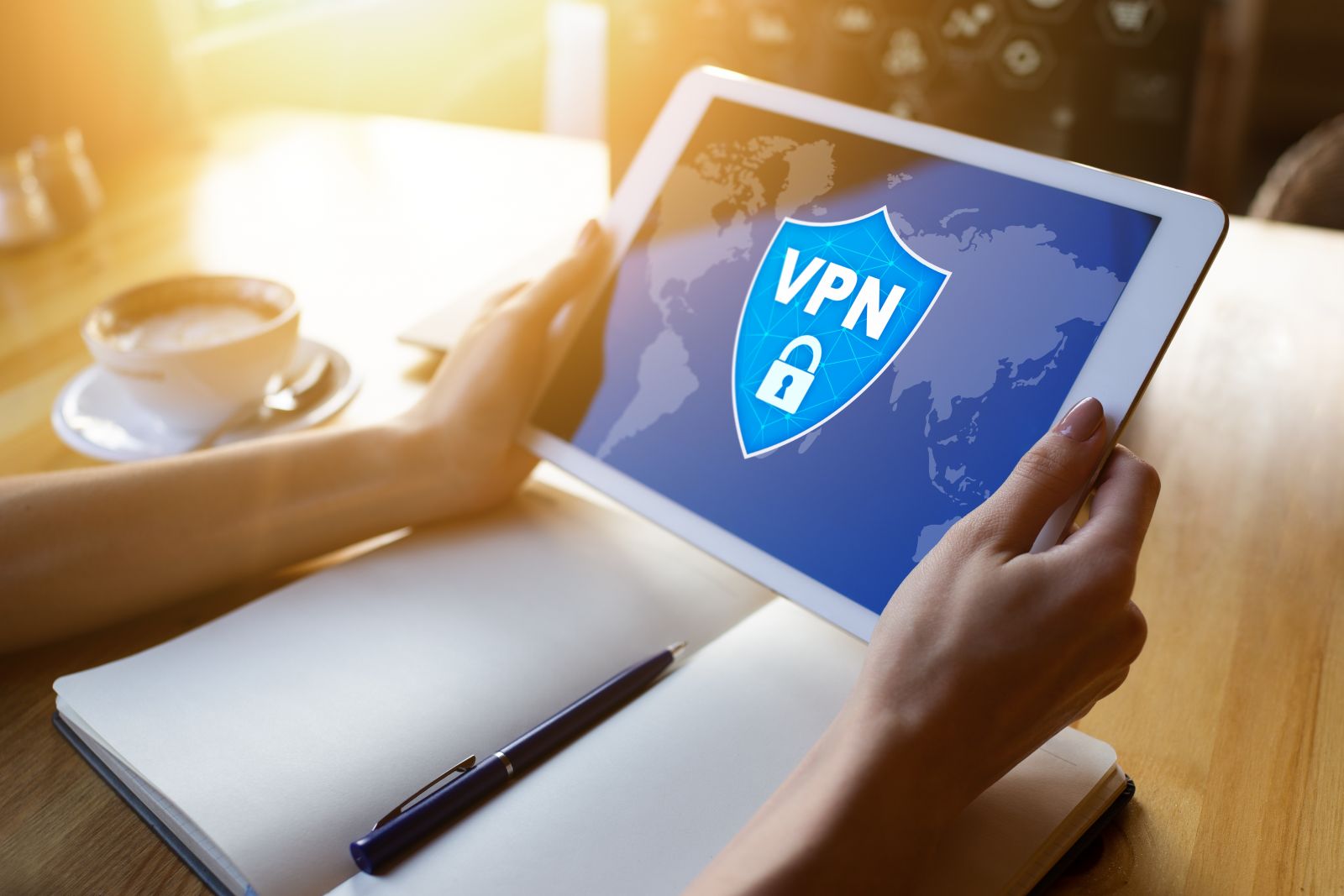
The Internet is an integral part of our lives. We use it every day to communicate with friends and family, search for information, shop and much more. However, our online activity is not always protected, which leaves us vulnerable to various kinds of cyberattacks. In this guide, we will explain what a VPN is and how to use it to protect your online activity.
Unlock the full potential of the Internet with our secure and reliable VPN services! We give you cutting-edge digital technology to access sites popular in Russia, such as Netflix, Amazon and ChatGPT, for as little as $4 a month. With our convenient apps and effective data encryption systems, you can now protect yourself from online surveillance. Sign up now to take advantage of our discounts and a free trial! Our highly qualified technical staff will help you choose the best encryption system for your business needs and assist you in setting up reliable data transfer protocols such as OpenVPN, L2TP, Shadowsocks, IKEv2 and WireGuard. Get all of this at an affordable price — join us today!
Take your online security to a new level with our high-quality VPN service! Thanks to our software, available for Windows, macOS, iOS, Android and Linux, all of your business accounts and personal information stay safe from any online threats. If you need help setting up your device, rely on the experience of our consultants. Get exclusive offers by subscribing to our Telegram channel (https://t.me/rvpn_info) or join the chat (https://t.me/rvpn_chat) for more information! Subscribe now and keep your data safe while gaining fast access to all your favorite sites!
How to use a VPN
A VPN (Virtual Private Network) is a technology that creates an encrypted connection between your device and the Internet. This lets you browse websites, use public Wi-Fi networks and shop online safely and anonymously. Here is how to use a VPN:
- Download a VPN client to your device.
- Launch the VPN client and enter your credentials (if required).
- Choose the VPN server you want to connect to.
- Click the «Connect» button and enjoy secure, anonymous access to the Internet.
When to use a VPN
You should use a VPN in the following situations:
1. On public Wi-Fi networks. When you connect to an open Wi-Fi network in a cafe, airport or hotel, your online activity can be exposed to cyberattacks. Using a VPN, you can encrypt your connection and protect your personal information.
2. When searching for information online. When you search the Internet, you leave traces of your online activity that can be used to track you. Using a VPN, you can hide your IP address and stay anonymous online.
3. When using torrent clients. If you download files via torrents, your IP address can be visible to other users. Using a VPN, you can hide your IP address and stay protected while downloading files.
The benefits of a VPN
Using a VPN has many benefits; here are just a few of them:
- Protection of personal information. A VPN encrypts your online activity and hides your IP address, making you invisible to third parties and protecting your personal information.
- Anonymity online. A VPN lets you hide your online activity, making you invisible to third parties and protecting your anonymity.
- Security on public Wi-Fi networks. A VPN protects your online activity from cyberattacks that can occur when you connect to a public Wi-Fi network.
- Access to blocked sites. A VPN lets you bypass website blocks that may be in place in your country or region.
- Faster Internet. A VPN can speed up your Internet connection, since it can compress data and reduce latency.
In conclusion, it is worth noting that a VPN is an important tool for protecting your online activity and personal information. Using a VPN, you can browse websites, use public Wi-Fi networks and shop online safely and anonymously. Remember that the security of your online activity is your responsibility, and using a VPN can help protect you from various kinds of cyberattacks.
We hope this guide has helped you understand what a VPN is and how to use it. However, before you start using a VPN, you should make sure that the service you choose is reliable and truly protects your online activity.
There are many VPN providers, but not all of them are equally good. Before choosing a VPN service, it is important to read reviews and provider ratings to select the option that best fits your needs.
It is also important to keep in mind that not all countries treat VPN use the same way. In some places, using a VPN is prohibited or restricted. Before using a VPN, you should find out whether it is allowed in your country.
Finally, remember that a VPN is not a cure-all for every kind of cyberattack. Hackers can use other methods to break into your system, so it is important to follow basic security practices such as using strong passwords, updating your software and being careful with your personal information.
Overall, a VPN is a useful tool for protecting your online activity and personal information. If you use public Wi-Fi networks, work with confidential information or simply want peace of mind about your online security, a VPN can be helpful. Remember that the security of your online activity is your responsibility, and using a VPN is only one of the ways to protect it.